Designing the pause: green, amber, red
Every agent I deploy gets a traffic light before it gets a prompt.
It is the single most useful worksheet I know for enterprise agents. It turns a vague worry, "what if the agent does something it should not", into a list the business owner, security and engineering can agree on in an hour.
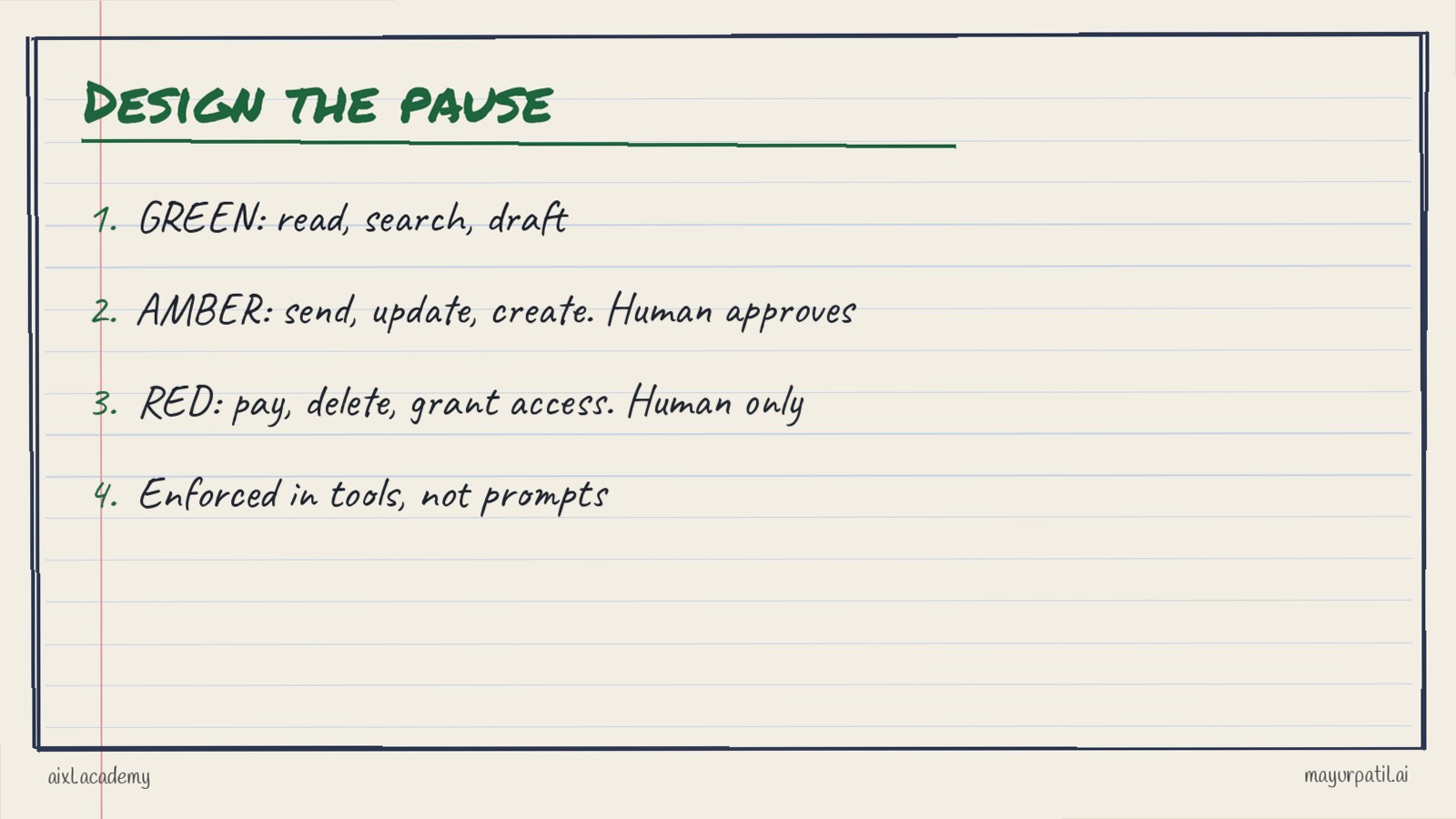
Hand-drawn traffic light: green actions an agent takes alone, amber actions a human approves, red actions only a human takes, enforced in the tool layer
The three levels
Green. The agent does it alone, and we log it. Reading, searching, summarising, drafting. Nothing outside the agent's own workspace changes.
Amber. The agent prepares it, a human approves it. Sending an email, updating a record, creating a ticket, scheduling something. The change is reversible, but it touches the real world, so a person clicks yes.
Red. The agent never does it. Payments, deletions, access changes, anything legal or irreversible. The agent can recommend and explain. A human acts.
The classification is per tool and per action, not per agent. One agent might have six green tools, two amber and none red.
Write it with the right people
I fill the worksheet in week one with three people in the room: the business owner, someone from security, and the engineer building the tools.
For each tool we write the action, the level, the reason, and what the reviewer sees at an amber step. That last column matters. An approval screen that says "approve action 4f2a?" is not a control. An approval that shows the email, the recipient and the reason is.
The worksheet goes into the design document and later into the handover pack, which I described in the FDE handover pack.
Enforce it in the tools, not the prompt
The most common mistake I see is writing the rules into the system prompt. "Never send an email without asking the user."
Prompts are instructions to a model that is trying to be helpful. They can be misread, forgotten in a long context, or argued around by a clever input. A permission in the tool layer is not negotiable. If the send tool requires an approval token, no prompt can skip it.
So the pattern is simple. Green tools execute. Amber tools return a pending action that a human approves through a separate path. Red actions do not exist as tools at all.
This is part of what I call the harness, the engineering around the model, covered in more detail in harness engineering.
Moving actions between levels
Levels are not fixed forever. As trust grows, some amber actions can become green. The rule I use:
- The action has run as amber long enough to collect real approvals and rejections.
- The evals, built partly from those decisions, show the action is reliable.
- The owner agrees, in writing.
- One action moves at a time, so a problem is easy to trace.
Red actions do not move to green. If the business really wants a red action automated, that is a new design conversation, not a setting.
Watch for approval fatigue
Amber steps only work if people actually read them. Signs that they do not:
- Approval times drop to a second or two.
- Nearly everything is approved.
- Batches of dozens of actions are approved at once.
When I see this, I either make the amber list shorter, improve what the reviewer sees, or reduce batch sizes. A control nobody reads is worse than none, because everyone believes it is working.
The pause is also data
Every approval and rejection is a labelled example of what the business considers right. Logged properly, these decisions become new eval cases and show where the agent needs work. Teams that treat the pause as overhead miss this.
A starting worksheet
For each tool, write:
- Tool and action
- Level: green, amber or red
- Why
- What the reviewer sees
- Who approves
- What would move it to another level
If you can fill this for every tool your agent has, you can explain your agent to any security reviewer. If you can not, the agent is not ready for real work.
We build this worksheet and its enforcement as part of the AIXL Academy Forward-Deployed AI Engineering cohort. Details are on the AIXL Academy page.
Common questions
What is a pause point in an AI agent?
A step where the agent stops and a human approves, edits or rejects the action before it happens.
Why enforce approvals in tools rather than prompts?
A prompt can be misread or talked around. A permission in the tool layer applies whatever the model says.
When can an action move from amber to green?
When the evals show the action is reliable on real cases, one action at a time, with the owner agreeing.
How do you avoid approval fatigue?
Keep amber lists short, show the reviewer exactly what changes, and avoid huge batches nobody reads.